How to Remove EXIF & GPS Metadata From Photos (and Why You Should)
The picture you just shared may quietly include the exact spot it was taken — often your home. Here's what's hidden in your photos, and how to strip it without handing the photo to anyone.
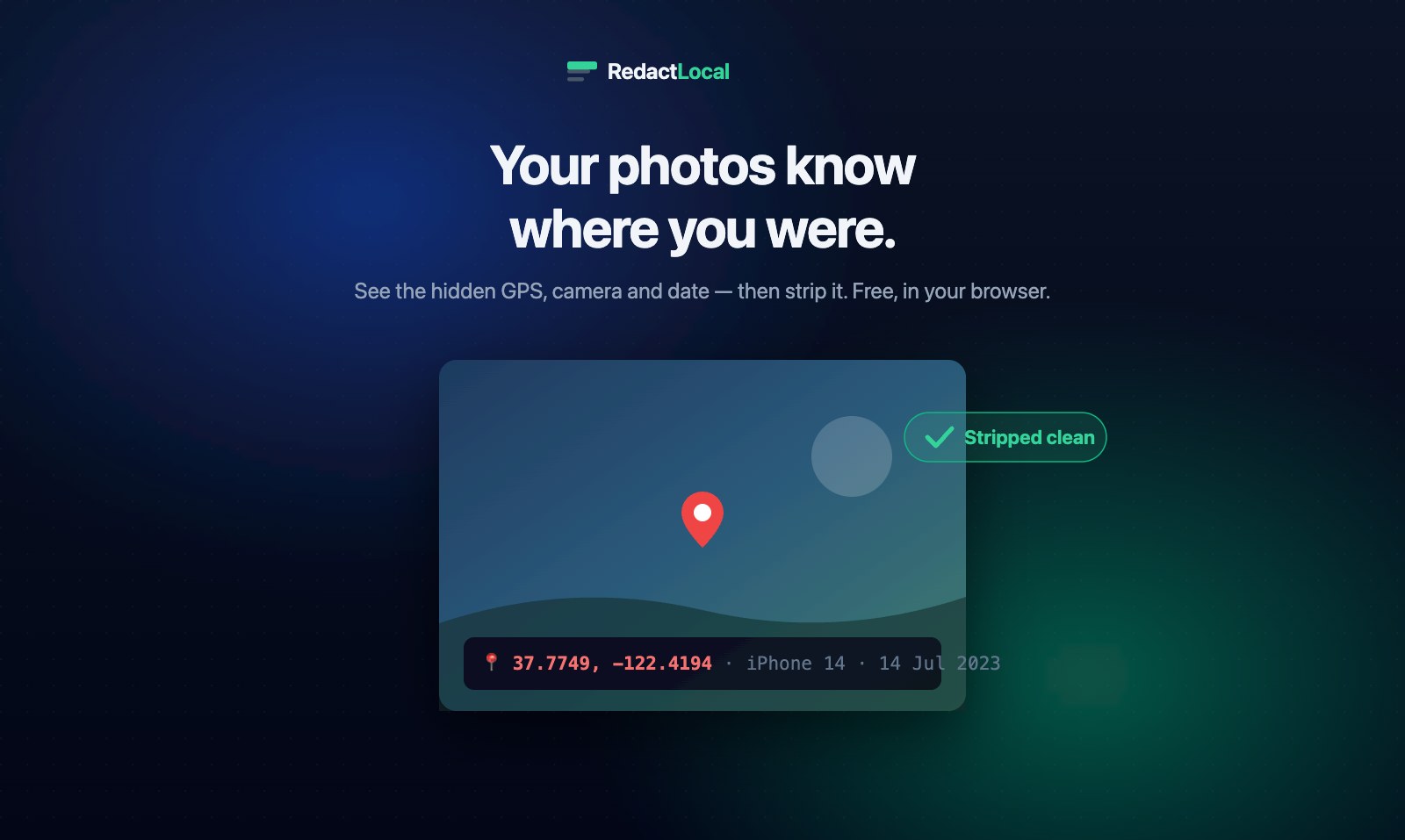
Take a photo with almost any phone or camera and it writes more than an image to the file. Tucked into the same file is a block of metadata called EXIF — and for a geotagged photo, that includes the precise latitude and longitude where you were standing when you pressed the shutter.
Share that photo the wrong way and you are sharing your location. It has outed the hiding places of people who thought they were anonymous, handed stalkers a home address, and turned a casual "for sale" post into a map to someone's front door. The fix takes seconds — once you know the data is there.
What EXIF Metadata Actually Contains
EXIF (Exchangeable Image File Format) is a standard block of tags embedded in JPEG and many other image files. Depending on the device and settings, it can include:
| Field | What it reveals |
|---|---|
| GPS coordinates | The exact latitude and longitude the photo was taken — often accurate to a few metres |
| Date & time | When the photo was taken, to the second |
| Camera make & model | The device used — and sometimes its serial number |
| Software | The app or OS that created or edited the file |
| Settings | Exposure, lens, orientation, and a thumbnail copy of the image |
The location field is the dangerous one. A set of coordinates is not vague — paste it into any map and it drops a pin on the driveway.
This is not hypothetical. It is the same mechanism that located a fugitive tech millionaire in 2012 when a magazine published a photo of him with the GPS tags intact, and it is how countless "anonymous" accounts have been de-anonymised from a single posted picture. The photo looked harmless. The metadata was not.
"Doesn't Instagram Strip This Already?"
Partly — and that is exactly why people get caught out. Most large social platforms (Instagram, Facebook, X) do strip EXIF from images displayed publicly. But that protection is narrower than it sounds:
- Direct shares keep it. A photo sent by email, as a messaging-app "document" or file attachment, over AirDrop, or shared from a cloud-storage link usually carries its full EXIF — including GPS.
- The platform still received it. Stripping it from the public view does not mean the platform never had your coordinates; it did.
- Marketplaces and forums vary. Plenty of smaller sites, classifieds and upload forms pass the original file through untouched.
If a photo is going anywhere you care about — a listing, a forum, a stranger, a public dataset — assume the metadata is still attached until you have removed it yourself.
How to Remove EXIF Metadata — The Right Way
There are built-in options. On Windows you can right-click a file, open Properties → Details → Remove Properties and Personal Information. On a Mac you can strip some fields through Preview or the Photos export settings. These work, but they are fiddly, inconsistent across formats, and easy to forget.
The cleaner answer is a dedicated tool — with one condition that matters more than any other.
Never upload the photo to remove its metadata
Most "online EXIF remover" sites ask you to upload the image. Think about what that means: to strip the location from a sensitive photo, you first send that exact photo — location and all — to a server you know nothing about. The tool that was supposed to protect your privacy just became the thing that collected the data. For a file sensitive enough to clean, that is the wrong trade.
RedactLocal's Metadata Remover runs entirely in your browser. The photo is read into the tab, its EXIF is parsed so you can see what it exposes — the GPS pin, the camera, the timestamp — and a clean copy is rebuilt with all of it removed. For JPEG and PNG the strip is lossless, so the picture itself is untouched. Nothing is uploaded; turn off your Wi-Fi and it still works.
What Removing Metadata Does Not Do
Two honest limits, because they trip people up.
It does not hide what's visible in the picture. Stripping EXIF removes the hidden data. If a face, a house number, a licence plate or a document is visible in the frame, that is still there — and anyone can read it. To hide something in the image itself, black it out with the Image Redactor.
Screenshots usually have no EXIF to begin with. A screenshot is generated by your device, not a camera, so it carries no GPS tags — though it may still carry a creation timestamp and the visible content of whatever was on screen.
This guide is for general privacy information. Metadata behaviour varies by device, app, platform and file format, and changes over time. When a photo's privacy genuinely matters, confirm the result — re-open the cleaned copy and check that the fields you cared about are gone.
Strip the Hidden Data Before You Share
See exactly what your photo reveals, then download a clean copy — free, with the image never leaving your device.
Open the Metadata Remover